
Informatics and Computer Basics
Free
- Language of Instruction: Hindi, English
- Eligibility: Ages 18-30, 12th Pass
- Class Duration: 1 Hours
- Course Duration: 1 Month, 20 hours
- Mode: Offline Learn more about our campus
Introduction
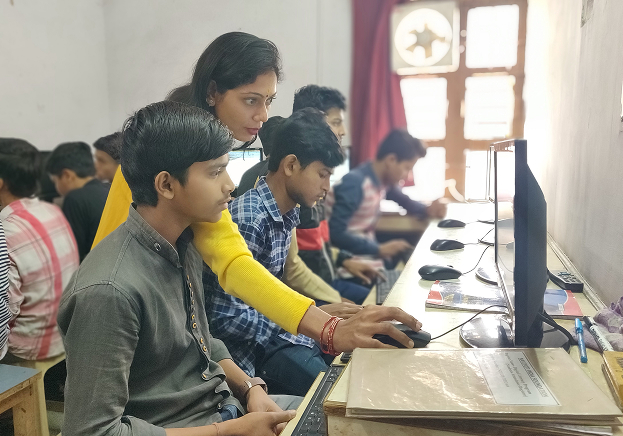
In partnership with STMicroelectronics Foundation, the 20-hour Informatics and Computer Basic Course under Project TechConnect provides foundational computer skills for beginners. The course begins with an introduction to computers and operating systems, covering components of a computer, file organization, and basic tools like MS Paint and Notepad. Participants then learn word processing through MS Word, focusing on document creation, editing, formatting, and advanced functions such as mail merge and references.
Spreadsheets training in MS Excel covers data entry, formatting, formulas, charts, pivot tables, and financial document preparation. The multimedia module introduces MS PowerPoint, emphasizing slide creation, transitions, and animations for presentations. The course concludes with internet basics and email communication, teaching the use of Outlook, email etiquette, signatures, attachments, calendar features, and creating Google Forms. This program equips participants with essential digital skills for personal and professional use
Course Modules
Components of a computer; Creating folders and sub folders; working with MS Paint and Notepad
Introduction to MS Word; File functions; Creating a New Document; Home button functions; Editing and Formatting a document; How to use Insert functions; How to use View functions; How to use References functions; How to use Mailings; How to use Review; Typing and Writing practice
Introduction; Basic data entry and editing; Working with Layouts; Editing and Formatting a worksheet; Working with Data (filters; data validation; text to column); Data creation; Basic formulas and functions; Identifying formula errors; using Charts; Working with multiple workbooks; Lookup function; Pivot tables; protecting sheets; how to make bills and balance sheets; how to print spreadsheets; Typing practice
Introduction to MS PowerPoint; Creating slides; Using transitions and animations; Creating presentations
Internet, and Email- Internet basics; Using Outlook; Adding signatures and custom themes; Framing emails, replying to mails, adding attachments; Using calendar features; Creating Google Forms
Certification Details
Students must maintain 75% attendance and take the final exam to receive certification.
Completion Certificate
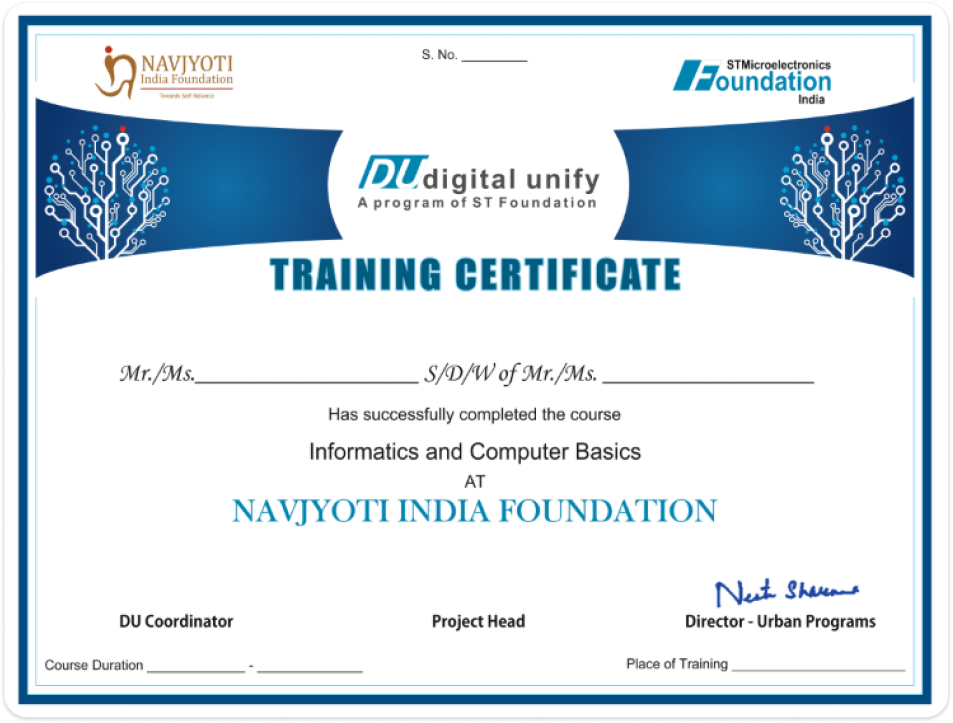
To receive a Completion Certificate, students must pass a final exam. On passing, a hard copy certificate will be issued and will include the student's name, guardian's name, enrolment number, course completed, and course duration.
Students must maintain 75% attendance and take the final exam to receive certification.